Shape the face and body
The Head Sculptor adds controls for facial customization. Body sliders highlight the regions they affect, making it easier to see which part of your avatar you are adjusting.
Work on one area at a time and use the wardrobe’s undo and redo controls while experimenting. Compare your look from more than one camera angle.
Build an outfit around your character
Use wardrobe options and available clothing to put a look together. Outfit photos help you recognize saved looks. The In-game Store also offers community creations, including custom clothes and attachments.
Check an item’s listing, price and preview before purchasing. A membership’s coin allowance is not a promise that every store item is included.
Refine tattoos, poses and presentation
Tattoo controls include size and position adjustments. Pose favorites and text filtering help you find poses again. Camera controls and room lighting give you different ways to present a finished look.
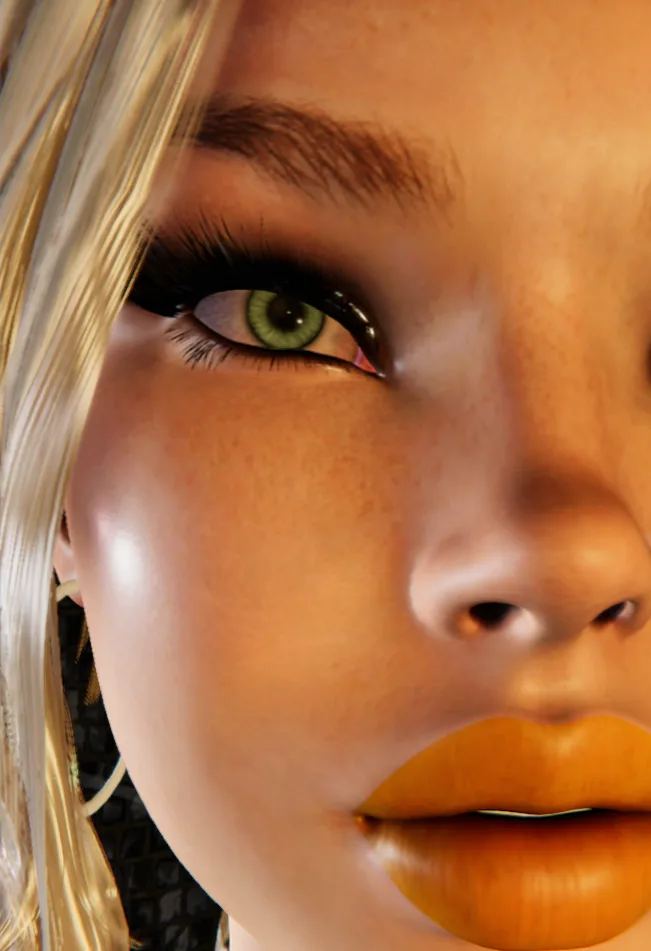
A screenshot is a good way to compare changes. These community portraits show character detail; they are not a step-by-step recording of the editing interface.
Keep up with the tools
This guide draws on the published wardrobe and avatar updates, including version 2.18. Exact controls can change between releases; check the changelog for fixes and new options.
For your first session, use the Windows client and the same account linked to your membership or eligible access.